 60% OFF
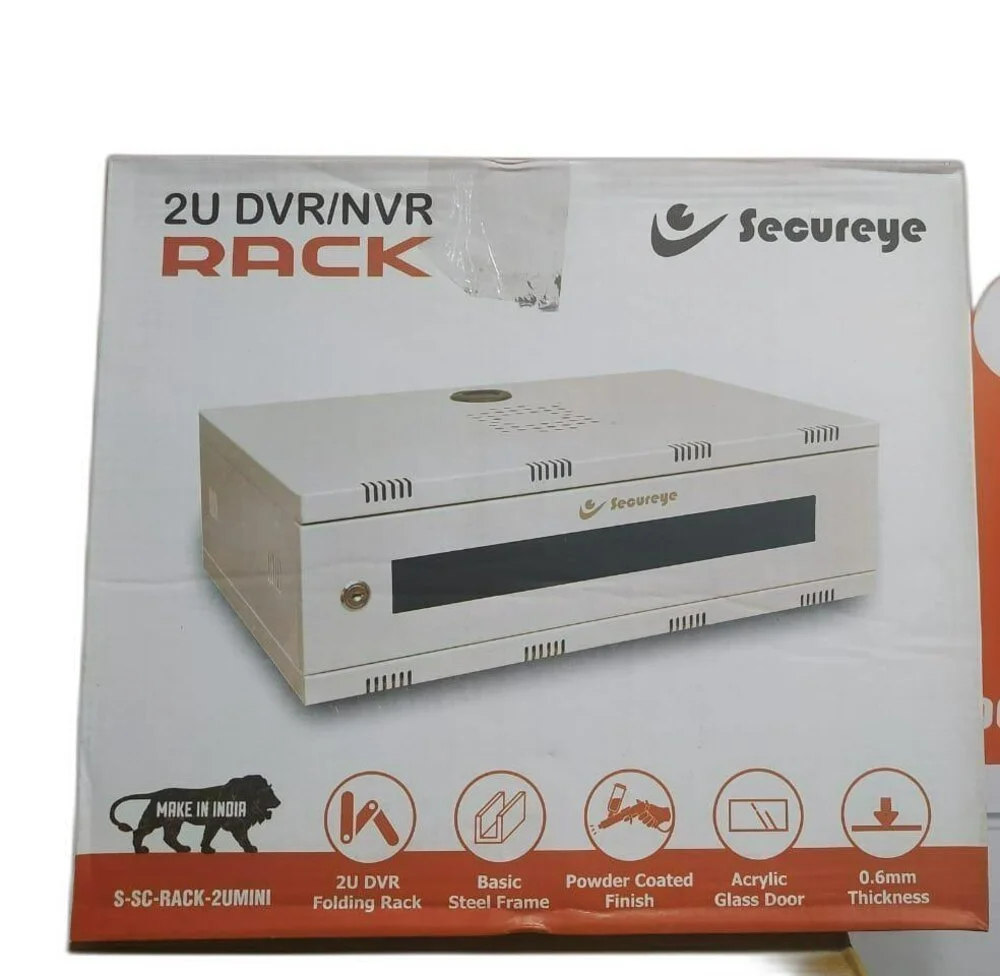
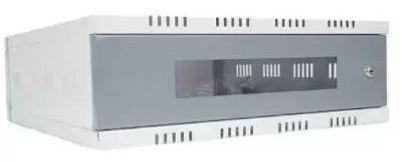
 SAFEVue 2U Wall Rack
A Safevue 2U wall rack (or similar 2U CCTV/Network cabinets) is designed for compact, secure storage of DVRs, NVRs, or routers, usually measuring around 40x40x15 cm. These units typically feature a lockable front door, integrated power sockets, and cable management holes. Here is a guide on how to set up and install a 2U wall rack: 1. Preparation and Inspection • Verify Equipment Size: Before drilling, ensure your DVR/NVR fits within the dimensions (approximately 40x40x15cm). Note that some 2U racks have a, maximum depth, requiring you to check if your device fits. • Unpack Components: The box should contain the rack cabinet, wall mounting brackets, screws, nylon sleeves, and keys. • Identify Mounting Surface: Ensure the wall can support the weight of the rack and equipment (concrete/brick is best). 2. Mounting the Rack to the Wall • Positioning: Determine the installation height. • Mark Holes: Use the back panel or mounting brackets to mark the drill holes on the wall. Ensure it is level. • Drill and Secure: Drill holes, insert nylon wall sleeves, and firmly fasten the rack to the wall using the provided screws. • Reverse Brackets (Optional): Some 2U racks come with reversible mounting brackets to accommodate different mounting needs. 3. Installing Equipment (DVR/NVR) • Mounting the Device: Place your NVR/DVR inside the rack. • Secure the Equipment: Use the rack-mount ears (if your device has them) to screw the device into the 2U vertical rail holes. If it is a basic cabinet, place it directly on the bottom surface. • Cable Management: Run cables through the top or bottom cable entry slots. 4. Power and Cooling • Power Supply: Plug your equipment into the built-in power socket strip (typically 3-way or 6-way). • Ventilation: These racks have ventilation slots to keep equipment cool. Some models include a provision to mount a fan if extra cooling is needed. 5. Final Setup • Lock the Cabinet: Use the provided key to lock the front door to keep the equipment secure and dust-free. • Cable Ties: Use cable ties to secure cables for a neat, organized installation. Typical Specifications • Dimensions: ~40cm x 40cm x 15cm. • Capacity: 2U (19-inch standard compatibility). • Features: Lockable glass/metal door, 3-6 socket power strip, cable management slots, fan provision.